Ad Posting Guide
1. Go to the “Add Listing” page
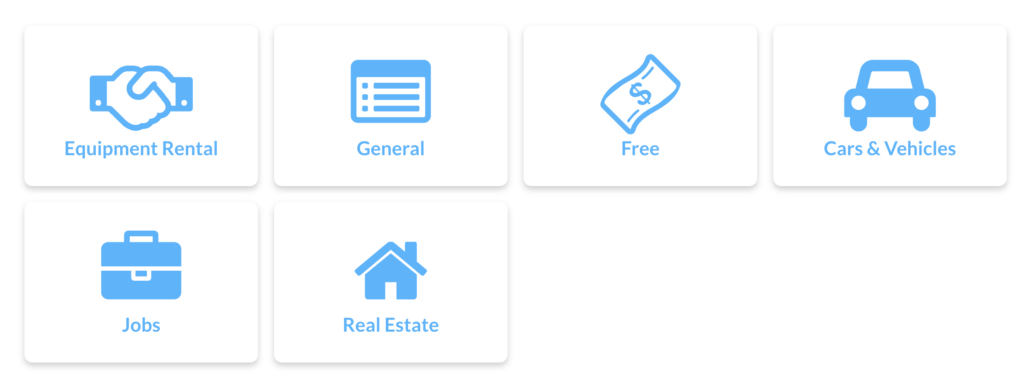
Look for the Add Listing button on the menu bar. Click it to open the Category Selection screen.
2. Choose Your Category
Select the category that best matches your item or service. If you don’t see that category you’re looking for, use General.
3. Enter Your Ad Details
You’ll see a simple form with the following sections:
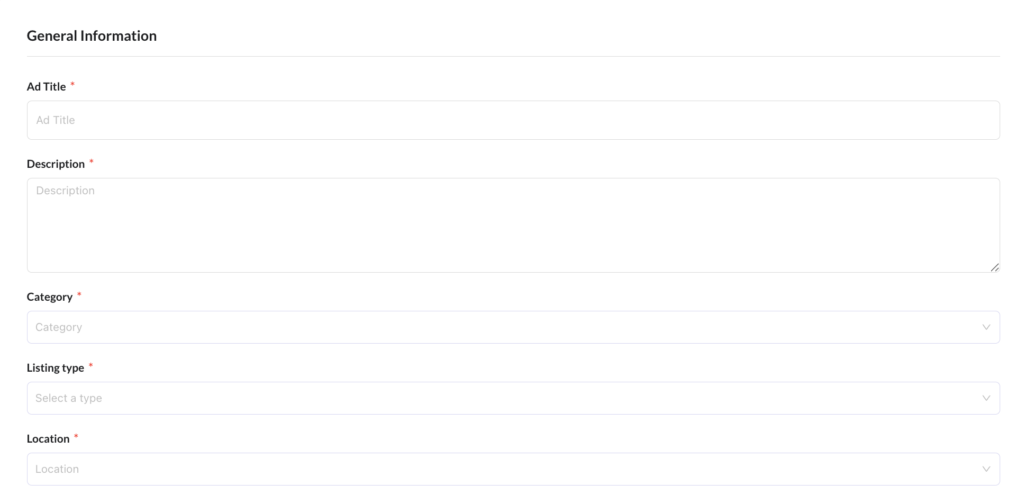
General Information
- Title – Write a short, clear title (e.g., “Used Trail Camera – Excellent Condition”)
- Description – Describe the item or service, use as many details as possible
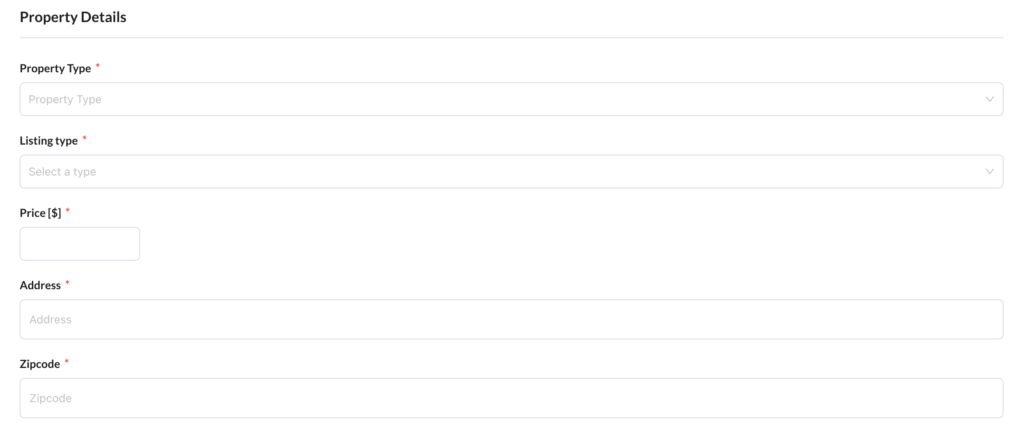
Category-Specific Details
- This section will vary depending on the selected category
Price
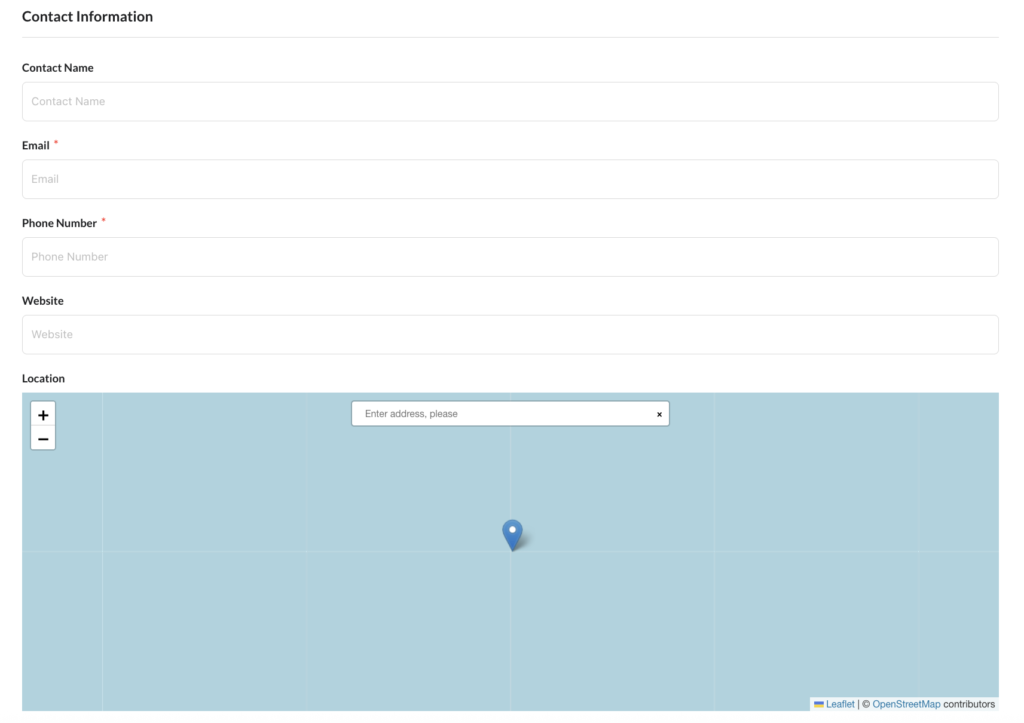
Contact Information
- Map – Provide approximate location, for Real Estate listings exact address is required
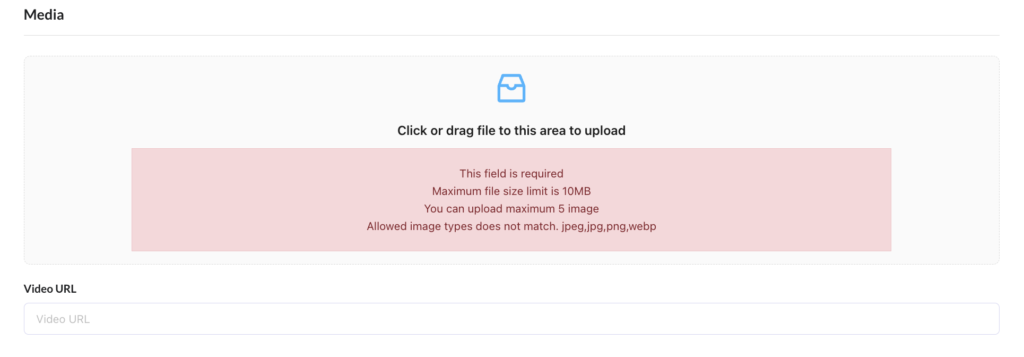
Media
- Only images can be uploaded, videos will need to be linked to another source (YouTube, Vimeo etc.)
- For Job listings a company logo is required
4. Agree to Terms & Conditions
Check the box to confirm you agree to the site’s Terms and Conditions.
5. Submit Your Listing
Click Submit.
Your ad will go into review, please allow 24 hours for moderation review. You’ll see a confirmation message after submission.
6. View Your Listings
You can edit or delete your listings at any time:
- Log in
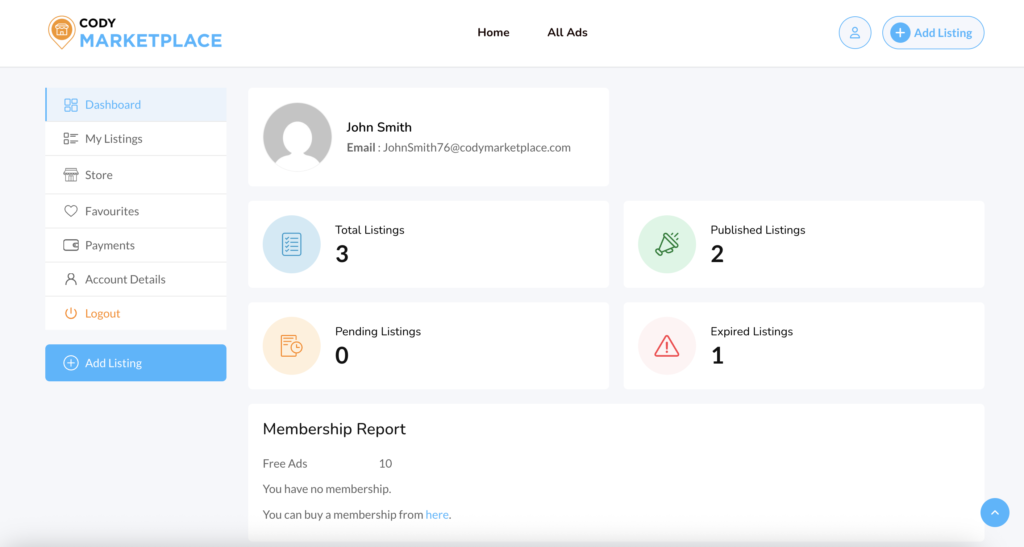
- Go to My Account
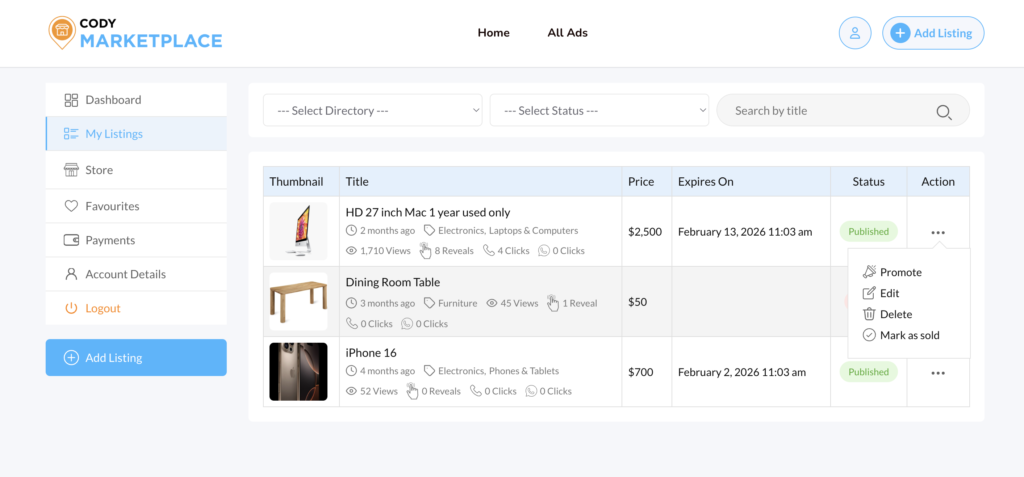
- Select My Listings
There you can:
- Edit your ad
- Renew / Promote your ad
- Mark as sold
- Delete your ad